 ·
↗
·
↗
Design Terminal UIs. Visually
A Figma-like visual editor for TUI applications. Drag-and-drop
components, edit properties in real-time, and export to 6 frameworks
with one click. SOON
·
↗
A Figma-like visual editor for TUI applications. Drag-and-drop
components, edit properties in real-time, and export to 6 frameworks
with one click. SOON
Features
All the tools a terminal app designer needs — in one visual environment.
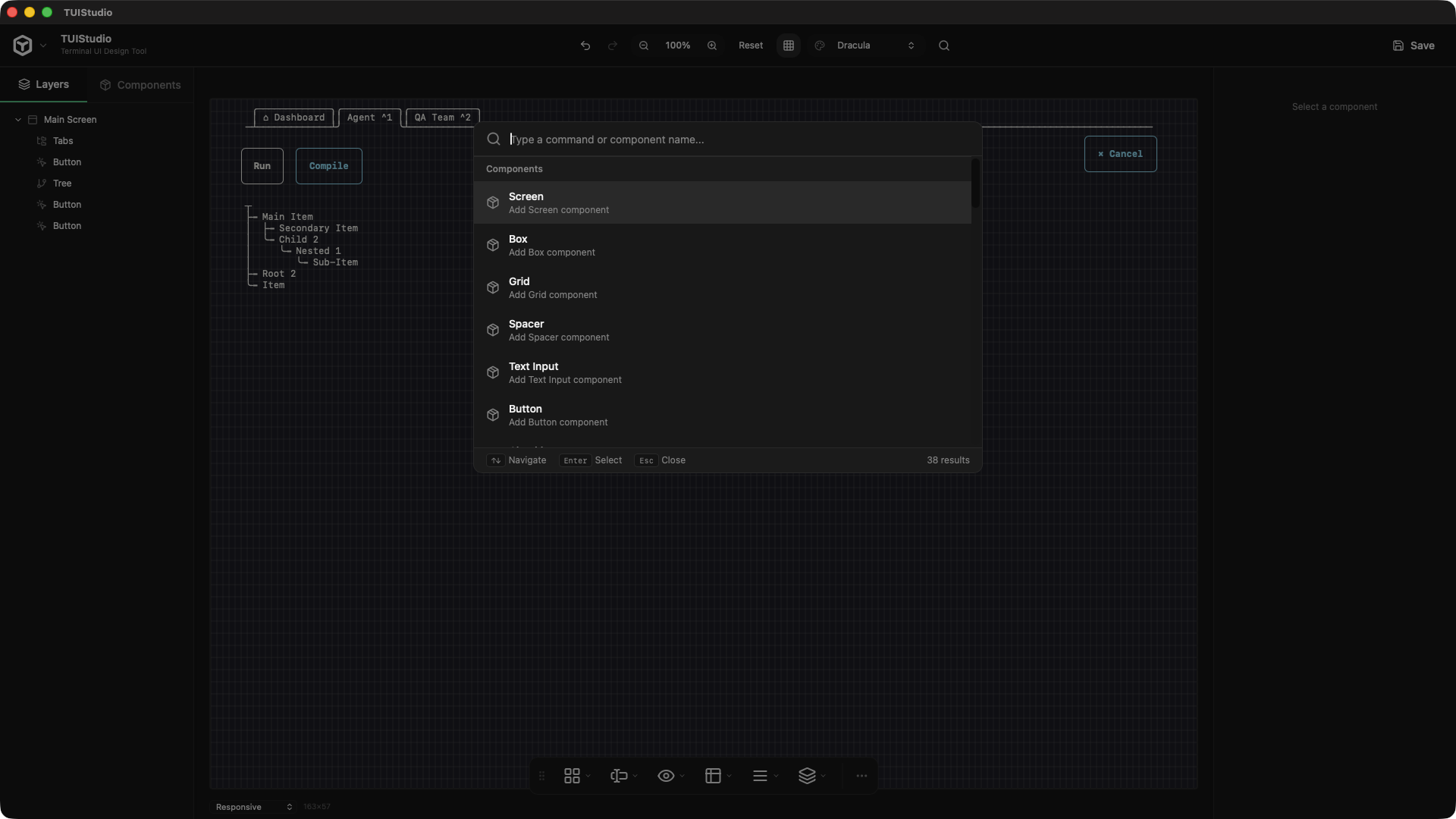
Drag-and-drop components onto a live canvas with real-time ANSI preview at configurable zoom levels.
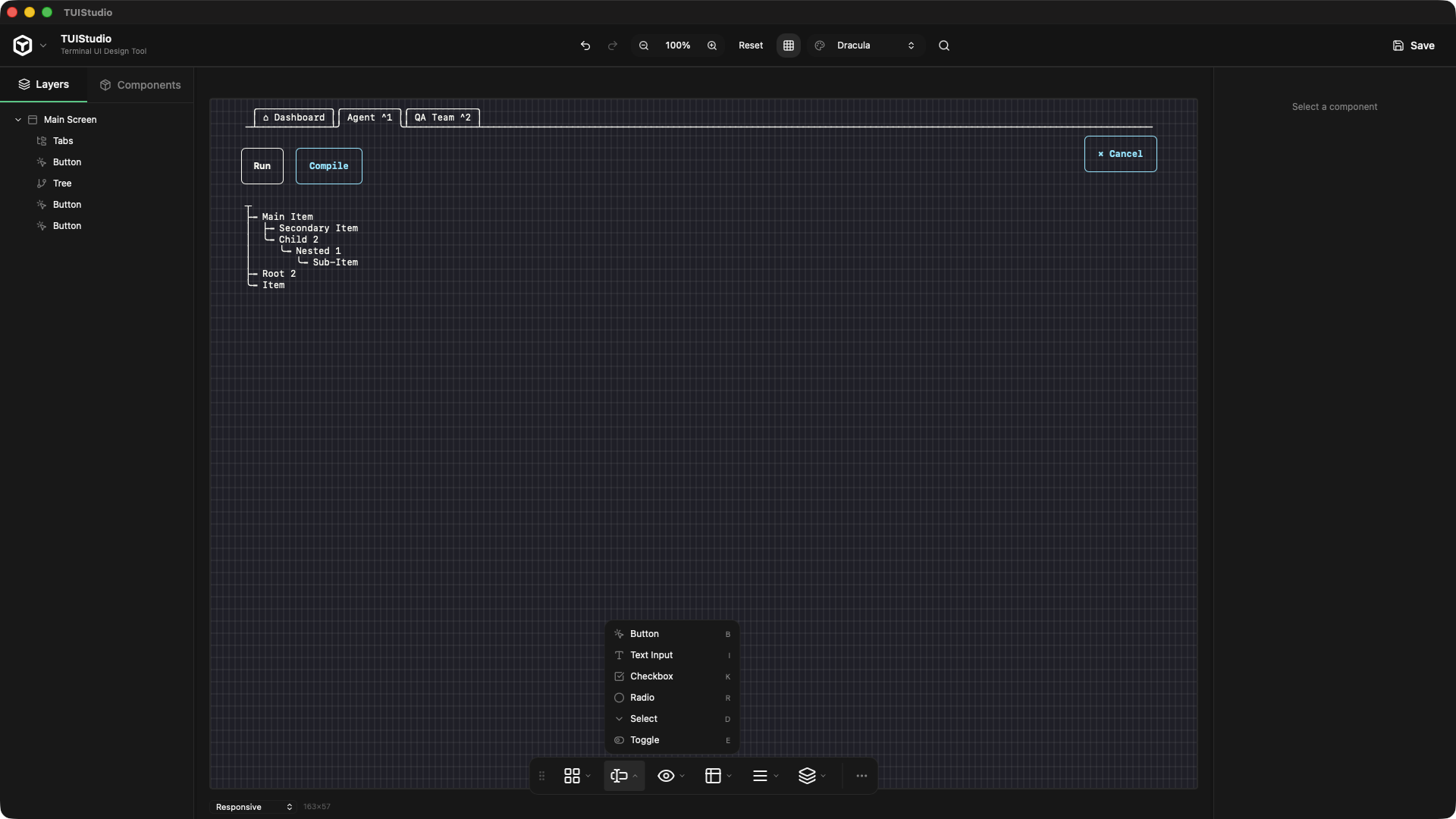
Screen, Box, Button, TextInput, Table, List, Tree, Tabs, Modal, Spinner, ProgressBar, and more.
Absolute, Flexbox, and Grid layout modes with full property control — just like CSS in the browser.
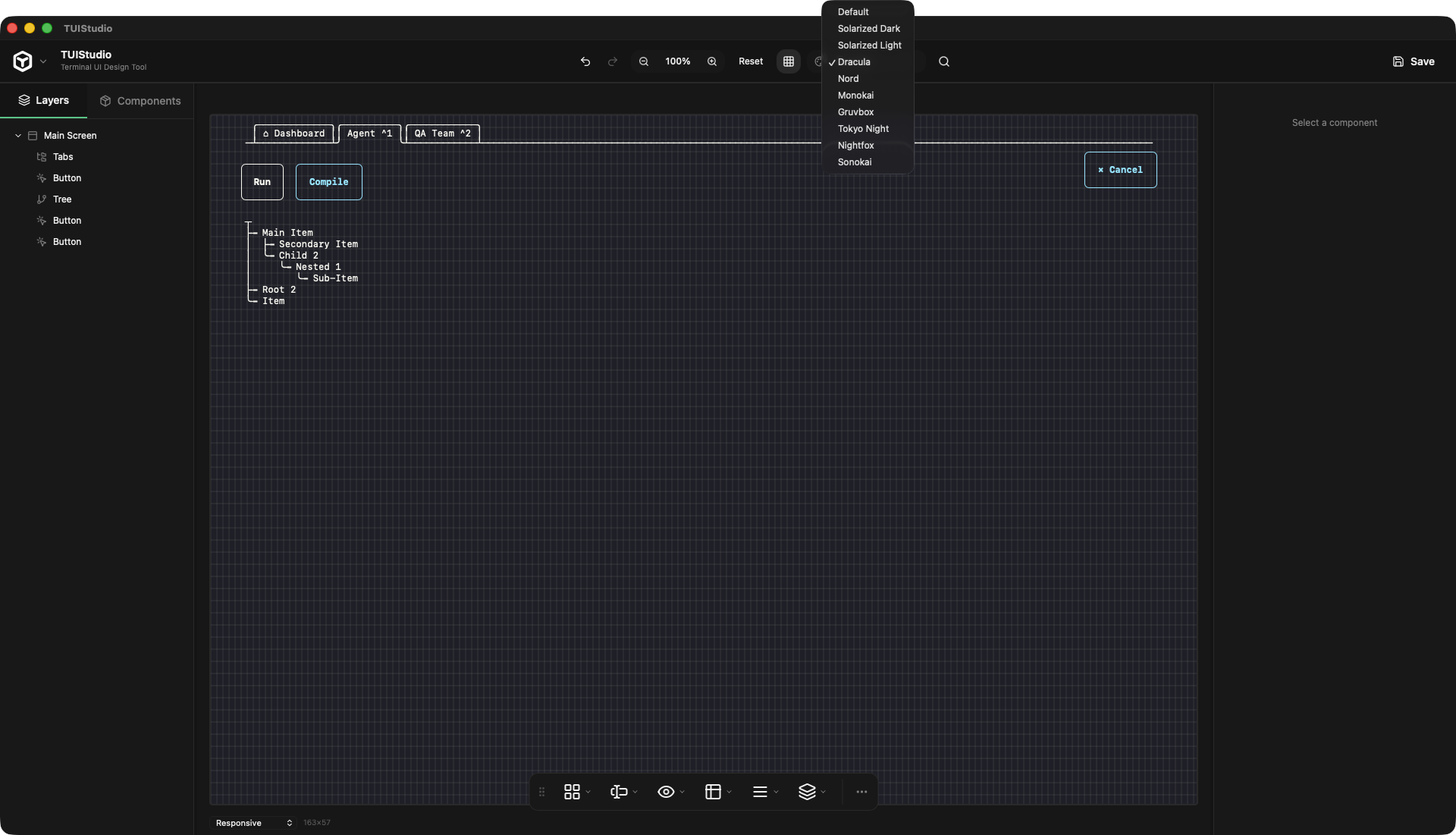
Dracula, Nord, Solarized, Monokai, Gruvbox, Tokyo Night, Nightfox, Sonokai — updating the canvas live.
Generate production-ready code for Ink, BubbleTea, Blessed, Textual, OpenTUI, and Tview.
Projects saved as portable .tui JSON files. Open from anywhere, share with your team.
Export
Design once, generate production-ready code for your framework of choice. Switch targets without touching your design.
Components
All the building blocks for a full terminal application.
FAQ
Everything you need to know before hitting download.
A TUI (Text User Interface) is an interactive application that runs entirely in the terminal — like htop, lazygit, or k9s. Instead of a web browser or native window, the UI is built from characters, colors, and ANSI escape codes. TUIStudio lets you design these visually instead of hand-coding every layout.
With no code-signing configured, each platform behaves differently:
macOS
Gatekeeper blocks the app immediately. You'll see either "TUIStudio cannot be opened because it is from an unidentified developer" or "TUIStudio is damaged and can't be opened" on newer macOS after quarantine flags the binary.
To get past it: right-click the .app → Open → Open anyway — or go to System Settings → Privacy & Security → "Open Anyway".
Windows
SmartScreen shows "Windows protected your PC". Click More info → Run anyway. Less fatal than macOS, but still alarming to non-technical users.
Linux
No such gate. dpkg -i TUIStudio-amd64.deb or double-click in a file manager — just works.
TUIStudio is currently in Alpha — exports are not functional yet. We're actively working on it.
When ready, the following 6 frameworks will be supported:
Switch export targets at any time without touching your design.
TUIStudio is currently in early access. The core editor is free to download and use. A pro tier with team features, cloud sync, and priority support is planned for later.
Yes. Projects are saved as portable .tui JSON files you can open from anywhere, commit to git, or share with your team. No account or cloud required.
Get Started
Native Mac app for Apple Silicon.
No install fuss — download and start designing immediately.